Two-Person Voice Translation Etiquette
How to share a single translation phone smoothly: body positioning, preserving eye contact, joint attention, and natural turn-taking.
- Preserve joint attention and eye contact. Neuroscience proves mutual gaze synchronizes speech brain networks; keep the phone in neutral space and look at the person, not the screen.
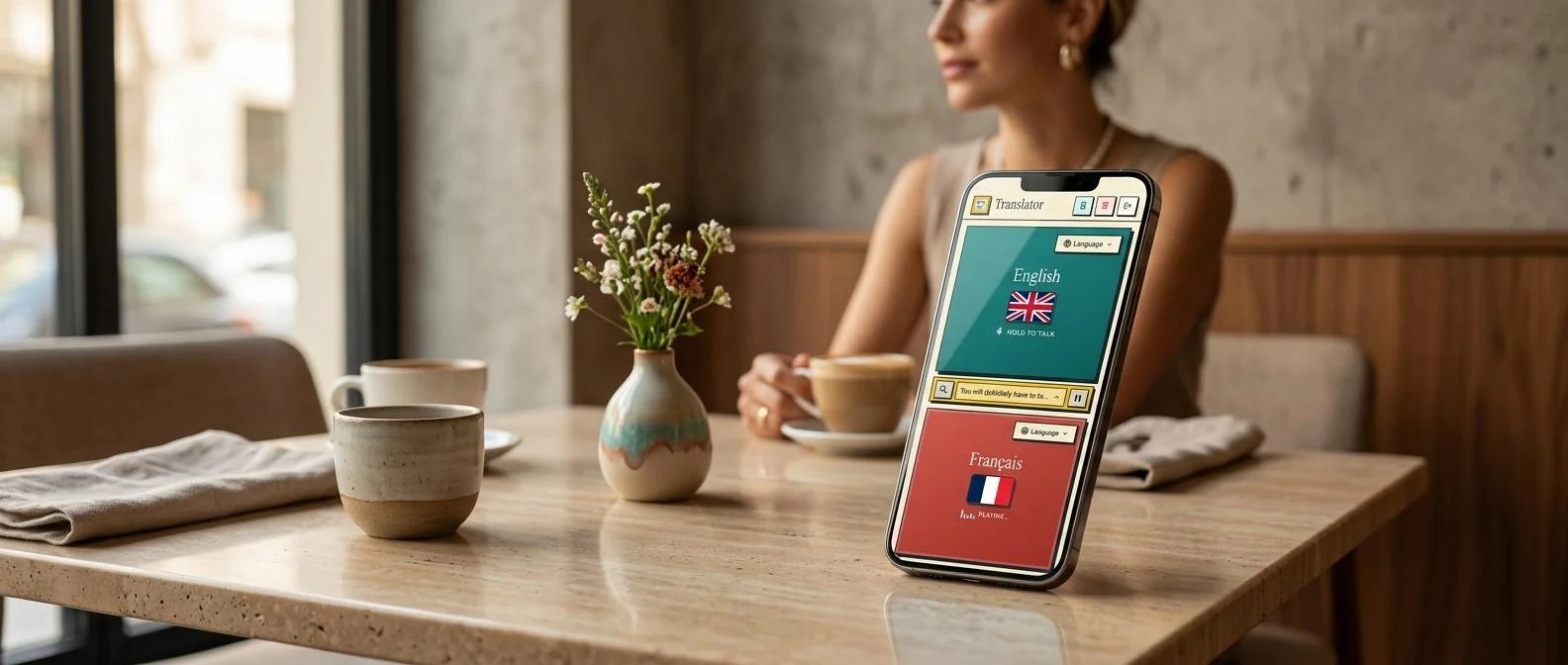
- Avoid passing the device back and forth. Holding the phone centrally at chest level between both speakers maintains conversational momentum without awkward handoffs.
- High-contrast fullscreen UX prevents crowding. Large-format text display allows comfortable reading from 2–3 feet away, respecting personal physical space.
The Neuroscience of Joint Attention
Face-to-face communication relies heavily on non-verbal signals. In natural human dialogue, approximately 60% of the interaction involves mutual gaze, and 30% features direct eye contact. Studies using functional near-infrared spectroscopy (fNIRS) demonstrate that mutual eye contact triggers cross-brain neural synchronization across sensory and language networks.
When people use a mobile translation app, they often make the mistake of staring intently at the screen. Known in psychology as the "mere presence effect," looking down at hardware breaks joint attention, reduces perceived empathy, and makes the conversation feel clinical and detached.
The translation app is a bridge, not the destination. Always look at your conversation partner's eyes while speaking and listening, glancing at the screen only for quick confirmation.
Spoken Exchange Demonstrating Natural Turn-Taking
Positioning the phone between both speakers creates an intuitive conversational rhythm where each person speaks naturally without complex gestures.
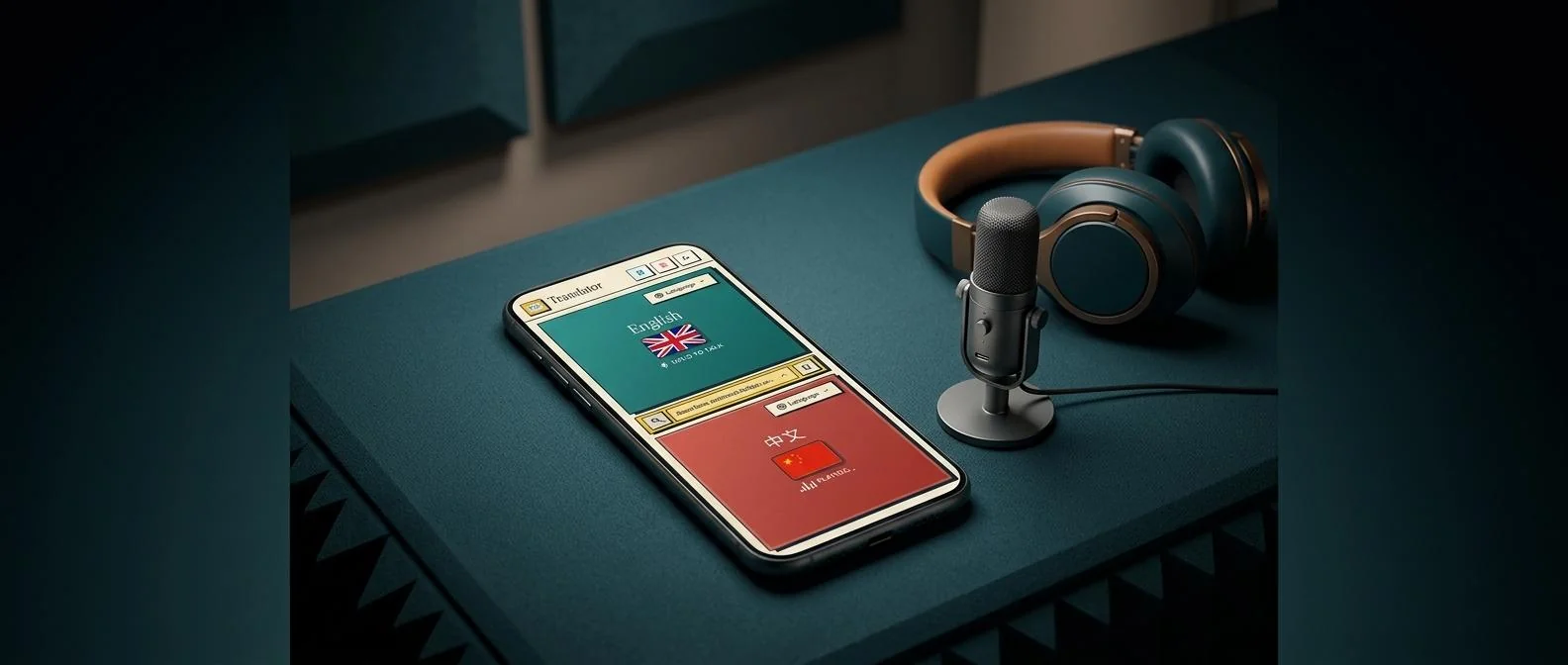
Bilingual Audio Comparison
Listen to the natural spoken phrasing in both languages:
“Holding the phone between both speakers creates an intuitive rhythm where each person takes turns naturally.”
“两人共用一部手机,按住说话,界面清晰明了,完全不需要复杂的操作。”
Simple push-to-talk buttons make floor ownership obvious, eliminating the awkward pauses and interruptions of confusing open-mic apps.
Comparing Interaction Paradigms
Different translation hardware options balance acoustics, hygiene, and social comfort differently:
Single-Screen Mobile App (Shared)
- Universal accessibility: works on any existing smartphone.
- Zero hygiene barriers: no need to share earbuds or physical wearables.
- Visual confirmation: both speakers see translated text on screen.
Shared In-Ear Earbuds
- Hands-free audio delivery directly to the ear canal.
- Severe hygiene friction: biological bacteria risks with strangers.
- Asymmetry: listeners cannot visually verify what was transcribed.
Fullscreen High-Contrast Mode for Shared Reading
Voice Translator includes a dedicated fullscreen mode that enlarges translated text, allowing both parties to read comfortably from a respectful 2- to 3-foot conversational distance.
3 Physical Rules for Smooth Phone Sharing
Follow these practical physical guidelines during face-to-face interactions:
- Anchor the Phone in the 'Neutral Zone':Hold the phone at mid-chest height halfway between both people. Do not push the phone aggressively into the other person's face.
- Use Two-Handed Anchor Stance: Hold the phone firmly in one hand and use your thumb to operate the mic button. This keeps the device steady and readable.
- Speak Before Looking: Speak your sentence while looking directly at the person, then glance down briefly as the audio translates out loud.
To understand the acoustic engineering and latency mechanics behind voice translation, explore our pillar article on how real-time voice translation works.
Connect naturally face-to-face. Pallie makes shared phone conversations seamless and respectful.
Open Pallie Translator